
resizeimagetool.com: resize multiple photos at once, from your browser


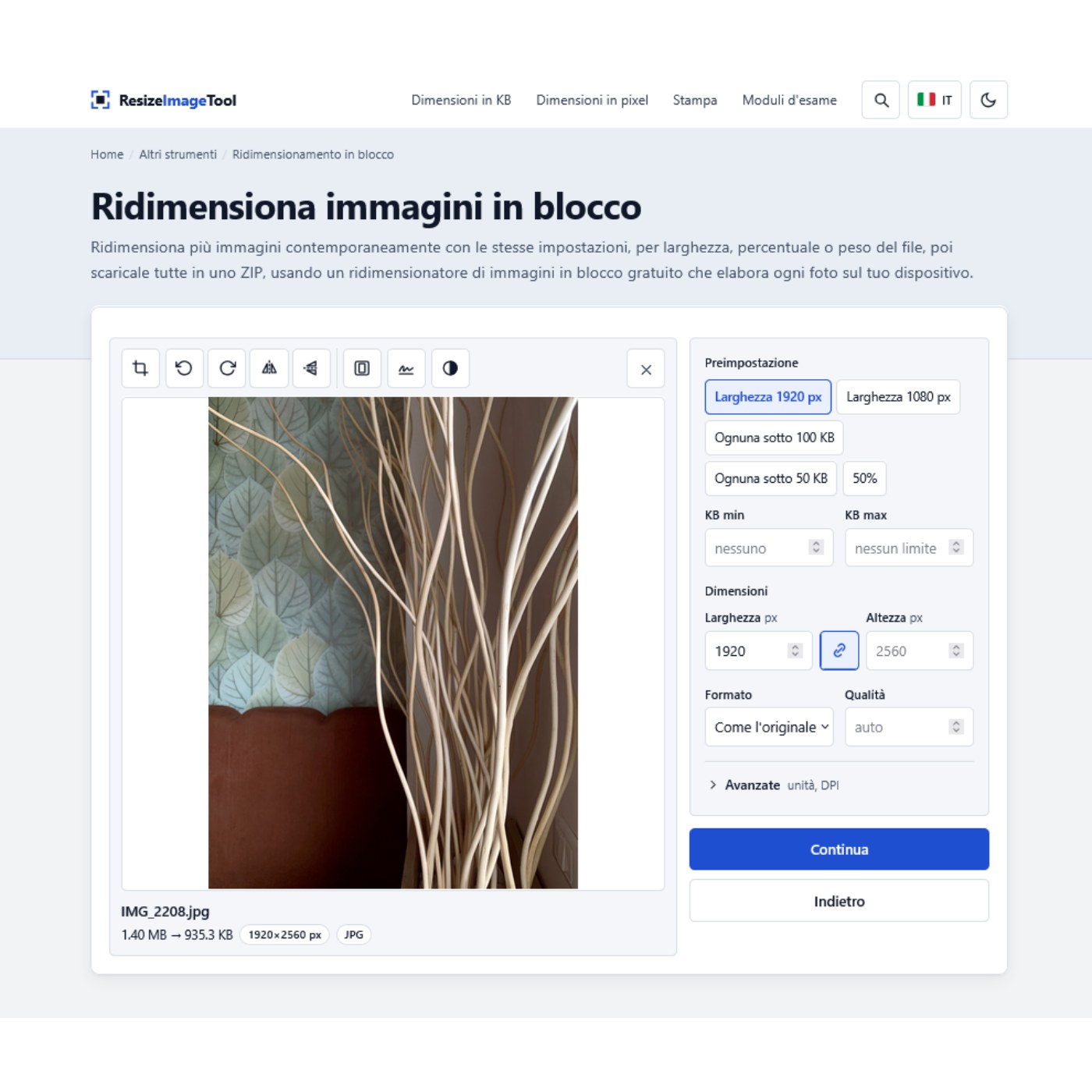
Photo contest rules almost always ask for a long side in pixels and a maximum file size for every image. Matching those limits on ten or twenty photos, one at a time, wastes time. FastStone Photo Resizer solves the problem, but it only runs on Windows. If you work on a Mac or a smartphone, try resizeimagetool.com.
The tool is called Bulk Image Resizer and it is free. It is simple to use: you load the page, add your photos, choose the size and download the result. It works in the browser, so your photos stay on your device, and once the page has loaded it also works offline. It accepts JPG, PNG, WebP, GIF and HEIC files (the format of iPhone photos). For output you can keep the original format or choose JPG, PNG, WebP or PDF.
You can set sizes in pixels, percentages, centimeters, millimeters or inches, with a DPI value. There are presets for a fixed width and for file weight (for example, every file under 100 KB or 50 KB), plus minimum and maximum limits in KB and a quality slider. You can also crop to fixed ratios: 1:1, 4:5, 3:4, 2:3, 16:9 and 35:45. Files download one at a time or in a single ZIP archive, and your originals are left untouched.
Two limits are worth knowing. First, TIFF files are not supported. That is not surprising, since the tool is built for people preparing photos for the web and for online contests, where JPG and PNG are the norm; if you start from TIFF, export to JPG first. Second, the tool is funded by advertising, so you will see a cookie banner. If a file is too heavy for your device, the site says it can shrink it on a server, but only with your consent, and that it deletes the file immediately.
It does not replace a full editing program, but for preparing contest photos from any computer or phone, opening the page is enough.
Link
resizeimagetool.com/bulk-image-resizer
REFLEXLIST.com is not affiliated with the websites and tools listed. Check each service's terms and privacy policy before using it.